This website is using cookies.
We use them to give you the best experience. If you continue using our website, we'll assume that you are happy to receive all cookies on this website.
Read more

The greatest boon of living in a technological enlightened age today is being connected with the world any place, anytime with the touch of a button. Smartphones are the eyes and ears of the contemporary society providing all the information we need using a multitude of apps. The costs incurred while availing such information is also insignificant. No wonder smartphones are an indispensable tool for living today. When it comes to traveling, however using smartphones becomes an expensive affair. The costs incurred using cellular data and placing calls internationally, leaves a sour taste in a traveler's mouth enjoying an international holiday.
'To be prepared is half the battle won!', a maxim that works well in life, also holds merit when it comes to international traveling. Be it a veteran globetrotter or a novice traveler, a proper data plan can contribute a significant role in reducing travel costs. Before you take your next trip, here are some pointers that will help you make most of your mobile data in your smartphone.
Choose a suitable International SIM Card
When visiting any new country, the costs incurred to make calls or even browsing the internet is quite high. Buying a local sim in every country you visit, could turn out to be quite a troublesome affair. A wise solution would be choosing a correct Data SIM Card that carters to your complete data needs. We recommend selecting a Data SIM Card depending upon the country you are traveling. The WorldSIM Data SIM Card offers robust data plans that fulfill the complete data needs of any traveler. Their data rates are far better than any other international SIM Cards currently available today and remain the same irrespective of any country you might be visiting. Try their Data Roaming SIM Card, it offers a data plan that is perfect for travelers who are fond of using moderate to huge amounts of data during their travels. With coverage in more than 200 countries, you would feel international traveling has become a local affair.
Download Apps That Work Offline

Mobile phones work seamlessly in assisting us to complete our day to day affair. Checking maps, downloading travel plans, finding contact information for hotels and taxis, and dozens of other things all need a data connection. However, using your smartphone the same way as you use back home will exhaust your data plan in no time. A far better method would be downloading apps that do the same work offline. Start by making a collection of apps on your smartphone which will work offline or partially use cellular data. These can be itinerary management, currency conversion, city guides, translation tools, navigation apps etc. This way you would burn through far less data on your smartphone, while still being able to use it as normal.
Disable Cellular Data Leaks

Our smartphones keep themselves new and improved on a regular basis, thanks to regular new updates from developers. This constant updation of installed apps, smartphone system updates, and weekly data backups of an individual's videos and pictures happen quietly in a smartphone's background. While this is certainly a must to keep any smartphone updated, the same can burnout a user's cellular data in a flash during international travels. Before you begin your voyage, a smart move would be to switch off system updates, data backups and automatic updates of your apps in the smartphone. This way you can be in complete control of the data you are using, preventing any potential cellular data leak during travels.
Use Lightweight Versions of Apps
Every App available on the Play Store or Apple Store has two versions: A regular version & a lighter version. This is done to keep the app light and data friendly for older phones and slower internet connections. While the regular version has a better interface and more features, the latter has a simple interface, is lighter and consumes far less cellular data. Using a lighter version of your most used apps is an excellent way to continue using your apps best features, without incurring any heavy cellular data loss. Some well-known examples of light version apps are Facebook Lite, Twitter Lite, and several Google products (including Maps). While you are making plans for your trip, it would be wise to download few light version apps for your travels.
Use Data Saving Browsers
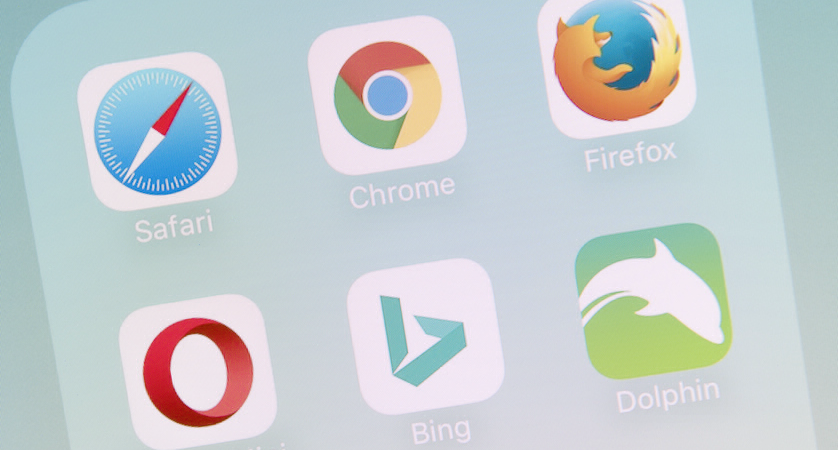
One of the most frequent tasks which is also data consuming in a smartphone is surfing the web. As this is the one of the most important utilization of the internet, all of us use it without giving it much thought. This can, however easily exhaust all of the cellular data while traveling. A smarter way to surf the web would be using data saving browsers. Try the Google Chrome or the Opera Mini. Both of these browsers compress most of the images and text on their respective servers before sending to your phone, resulting in faster transfers and lower roaming costs. While Google Chrome reduces data transfers up to 50%, Opera Mini boasts up to 90% data savings compared to other browsers. It also provides a built-in ad blocker to help speed up internet browsing.
Turn off Data Bundle
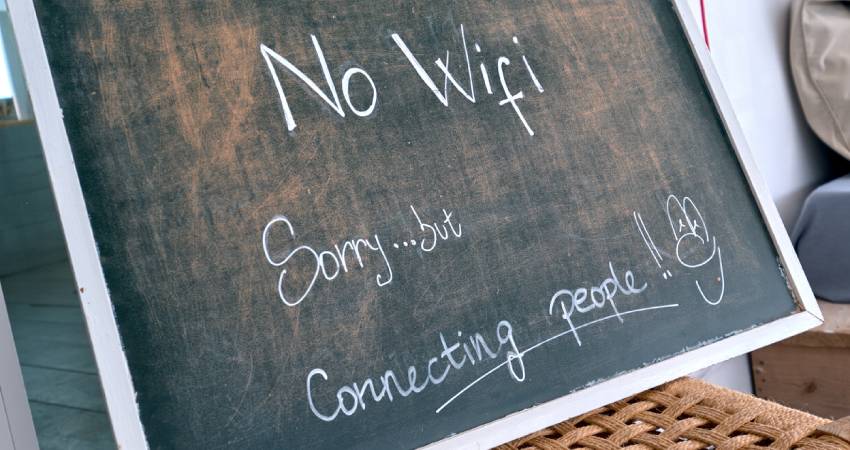
The practice of being connected during travels is a boon to have, but sometimes the natural way of communication with natives results in creating unforgettable memories. It also helps in keeping the cellular data use to a minimum. If you don't need cell data at all either use Airplane Mode or, turn the cellular data off. Disabling cellular data still allows a user to access calls and texts. This will make sure you don't burn your data bundle or receive an unexpected bill once you arrive home.
About Worldwide Data SIM Card
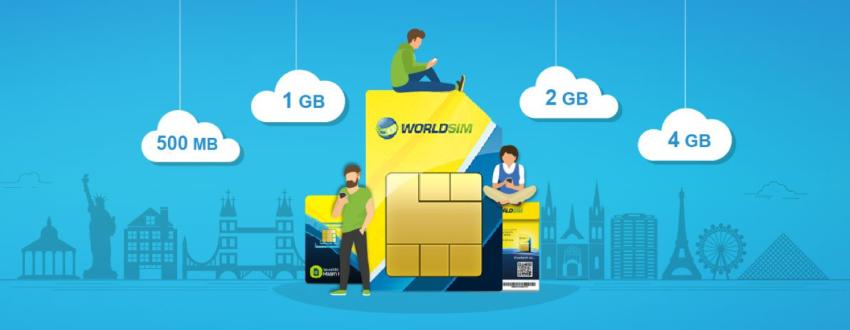
The 4G worldwide international Data SIM Card is ideal for iPads, tablets, and portable WiFi devices as its a data only SIM (no voice or SMS). Use this international Data SIM Card to slash the cost of data roaming worldwide. The salient features of this Data SIM Card are as follows:
• Get prepaid internet at very low costs in 188 countries
• 4G speeds in countries that offer 4G
• Reduce your data roaming charges by up to 95%
• Compatible with all unlocked devices & all SIM sizes
• Prepaid credit never expires
• Add a data bundle to get even lower data rates
Order your free data SIM now!